
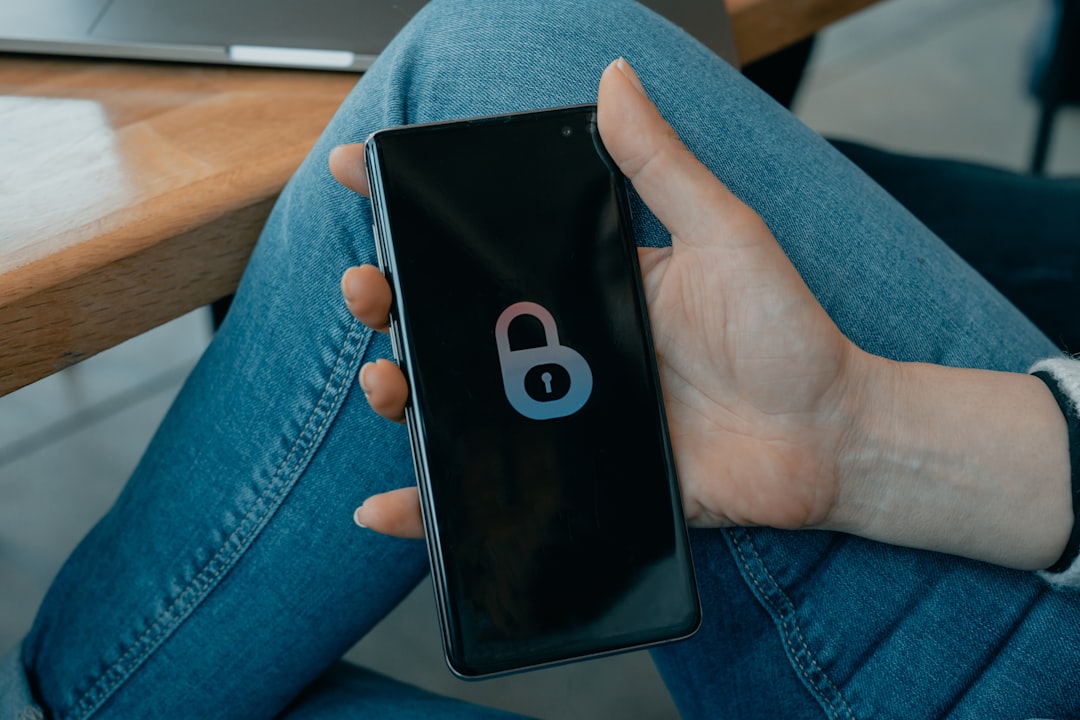
Our smartphones have become extensions of ourselves – our wallets, photo albums, communication hubs, and even our work desks. They hold an intimate tapestry of our digital lives, making them incredibly attractive targets for cybercriminals. The threat of losing control over their digital contents, or having them compromised, can have devastating consequences.
The Evolving Landscape of Mobile Threats
The days of simple virus hoaxes are long gone. Today’s mobile phone hacking is a sophisticated, multi-billion dollar industry, constantly innovating new ways to exploit vulnerabilities. Cybercriminals aim to gain unauthorized access to your data or device.
Android vs. iOS: A Tale of Two Security Philosophies
Both operating systems have robust security features, but their architectural differences lead to varying threat landscapes. Understanding these is key to appreciating their respective security postures.
Android’s Flexibility and Fragmentation
Android’s open-source nature and greater customization offer flexibility but also potential attack vectors. Sideloading apps bypasses crucial security checks. The vast array of Android devices and inconsistent software updates create a fragmented ecosystem where many devices run older, more vulnerable OS versions, making widespread patching difficult.
iOS’s Walled Garden
Apple’s iOS operates on a more closed, tightly controlled ecosystem. Apps are almost exclusively sourced from the App Store, which undergoes rigorous review. Faster, more consistent software updates across fewer devices mean security patches reach users uniformly. However, no system is entirely impenetrable; users remain susceptible to social engineering.
Common Attack Vectors and Their Dangers
Understanding how attackers typically gain access is the first step toward effective defense. Methods often exploit software flaws or, more commonly, human trust.
Malware: The Silent Saboteur
Malware, or malicious software, encompasses threats designed to disrupt, damage, or gain unauthorized access. This includes spyware, adware, or Trojans stealing data. Once installed, malware can operate silently, siphoning personal information, recording calls, or even taking control of your device’s camera and microphone.
Ransomware: Holding Your Digital Life Hostage
Ransomware encrypts your device’s data, rendering it inaccessible, then demands payment for the decryption key. Imagine all your photos, documents, and contacts locked away. Mobile ransomware attacks are on the rise, causing immense stress and financial loss.
The Peril of Hacked Apps
One common way mobile phones are compromised is through seemingly legitimate applications that have been tampered with. These can be legitimate apps from unofficial third-party app stores repackaged with malicious code, or entirely fake apps mimicking popular services. Installed apps can steal credentials, deploy malware, or open backdoors. Users are often lured by promises of free premium features, unknowingly installing a Trojan horse.
WhatsApp Hacks and Social Engineering
Messaging apps like WhatsApp are prime targets. Hacks often exploit human vulnerabilities through social engineering, rather than breaking encryption. This includes phishing links, tricking users into revealing verification codes (e.g., by pretending to be a friend in distress or WhatsApp support), or SIM swapping attacks. The objective is often to gain access to your account to impersonate you, spread malware, or steal personal information from your contacts.
Fortifying Your Mobile Fortress: Practical Steps
While threats are formidable, protecting your mobile device isn’t impossible. Smart habits and proactive security measures can significantly reduce your risk.
Be Vigilant with Downloads
Always download apps from official sources. Before installing, read reviews, check developer credibility, and scrutinize requested permissions. If an app asks for excessive permissions (e.g., a calculator app wanting microphone access), it’s a major red flag.
Keep Your Software Updated
Operating system and app updates often include critical security patches. Enable automatic updates or regularly check for and install them promptly. This is one of the simplest yet most effective ways to stay protected.
Strong Authentication is Key
Use strong, unique passwords or passcodes for your device and all online accounts. Enable two-factor authentication (2FA) wherever possible, especially for email, banking, and social media. This adds an extra layer of security, making it harder for attackers to gain access.
Exercise Caution with Links and Messages
Be skeptical of unsolicited messages, emails, or links, even from seemingly trusted sources. Phishing attempts are sophisticated. Always verify the sender and the legitimacy of a link before clicking. If something seems too good to be true, it probably is.
Regular Backups
Regularly back up your important data to a cloud service or an external drive. In the unfortunate event of a ransomware attack or device compromise, a recent backup can be the difference between a minor inconvenience and permanent data loss.
The battle for mobile security is an ongoing one, a continuous game of cat and mouse between defenders and attackers. As our reliance on smartphones deepens, so too does the imperative to treat their security with the utmost seriousness. It’s not just about protecting a piece of hardware; it’s about safeguarding our identities, our privacy, and our peace of mind in an increasingly interconnected world. By understanding the risks and adopting proactive measures, we empower ourselves to navigate the digital landscape more safely, ensuring that our mobile devices remain tools of convenience rather than conduits of compromise.